Empower your course admins with advanced reporting on activities and their settings.
Activity Settings is a collection of report sources and entities for Moodle's built-in Custom Report feature. It helps course admins create detailed reports about activities and their settings, making course management and auditing easier than ever.
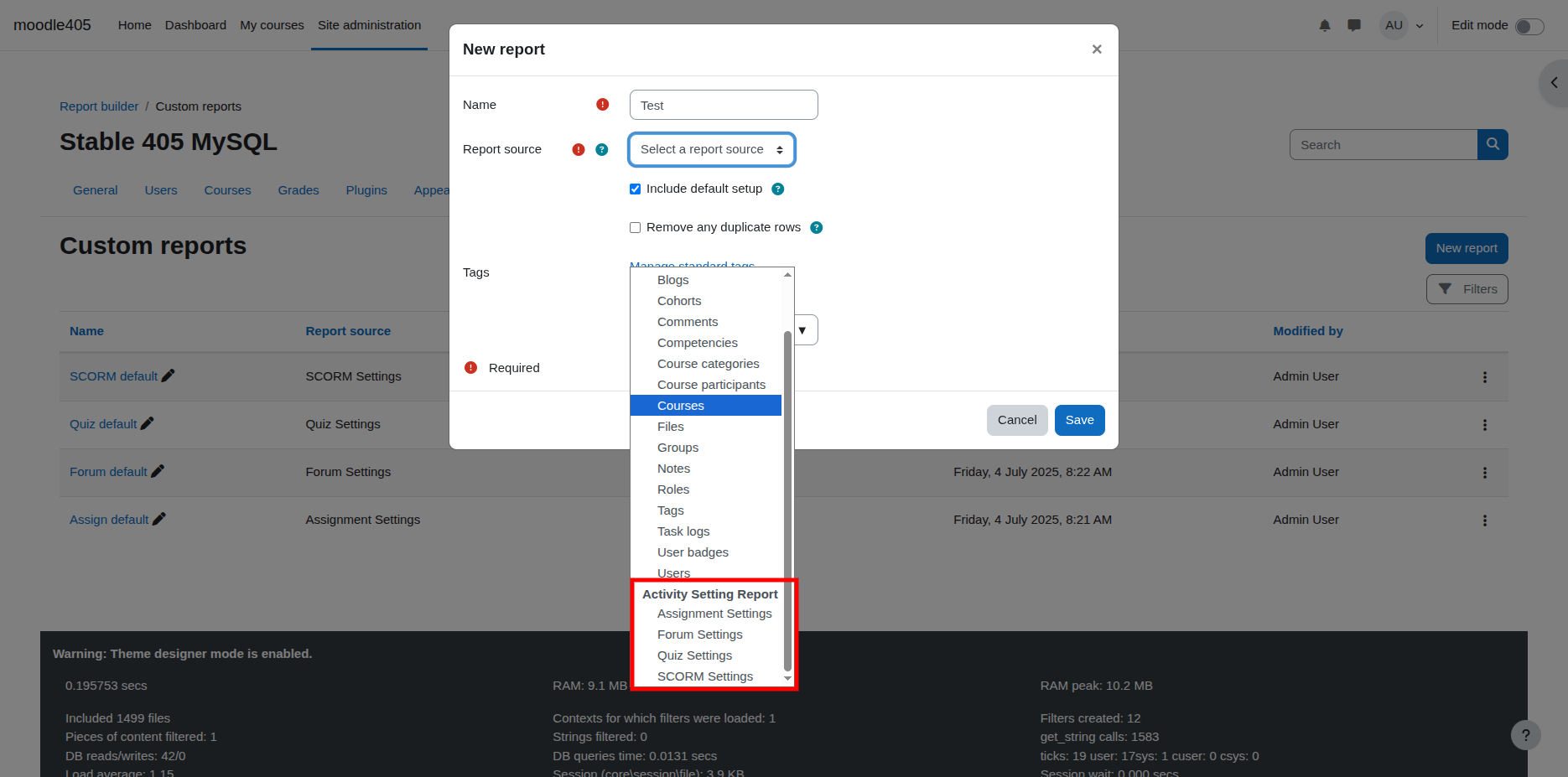
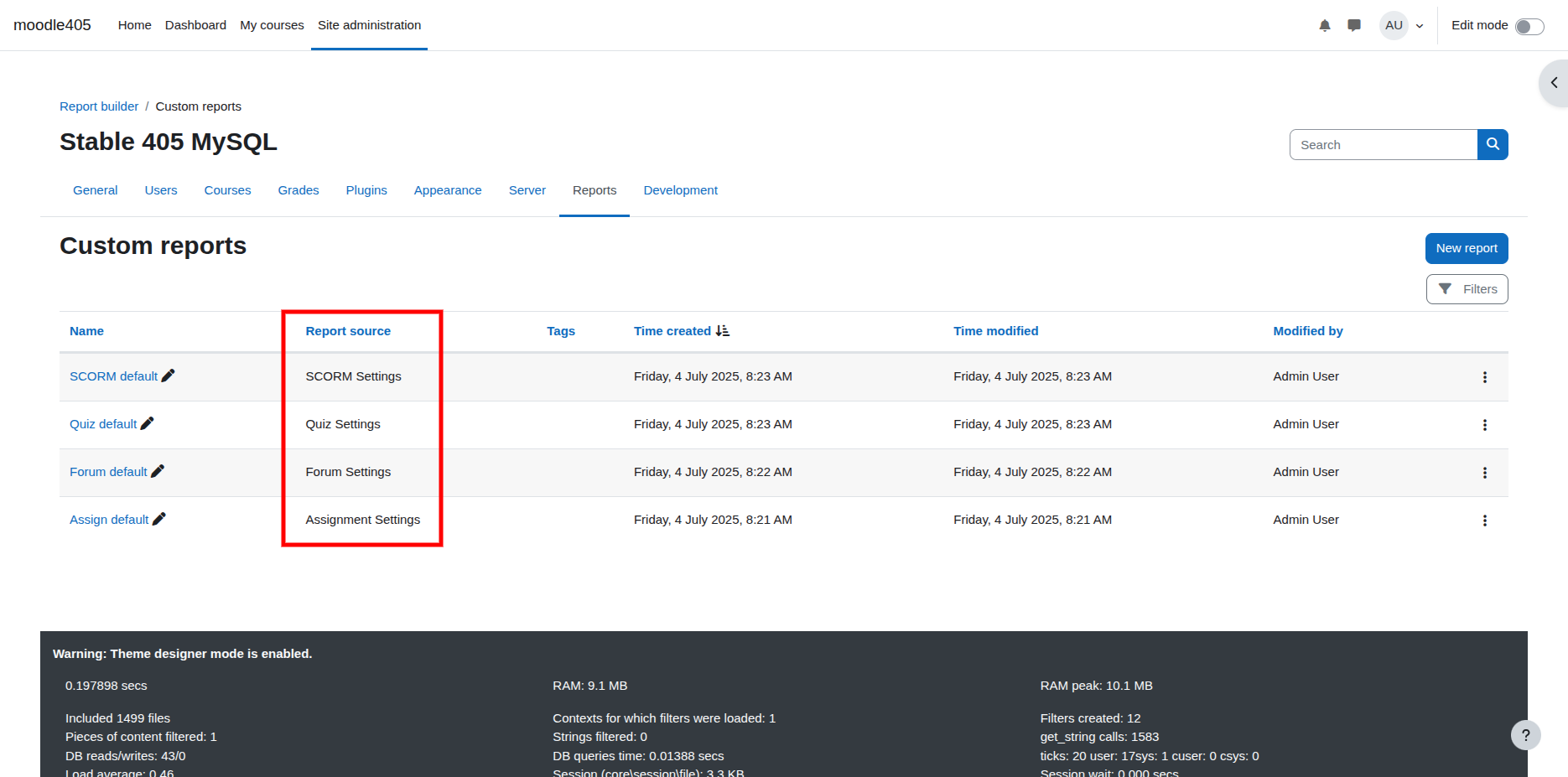
Adds new report sources for activities
Enables reporting on activity settings
Seamless integration with Custom Reports
Easy to install and configure
Save time on manual audits
Improve course quality and consistency
Make data-driven decisions
Enhance compliance and reporting
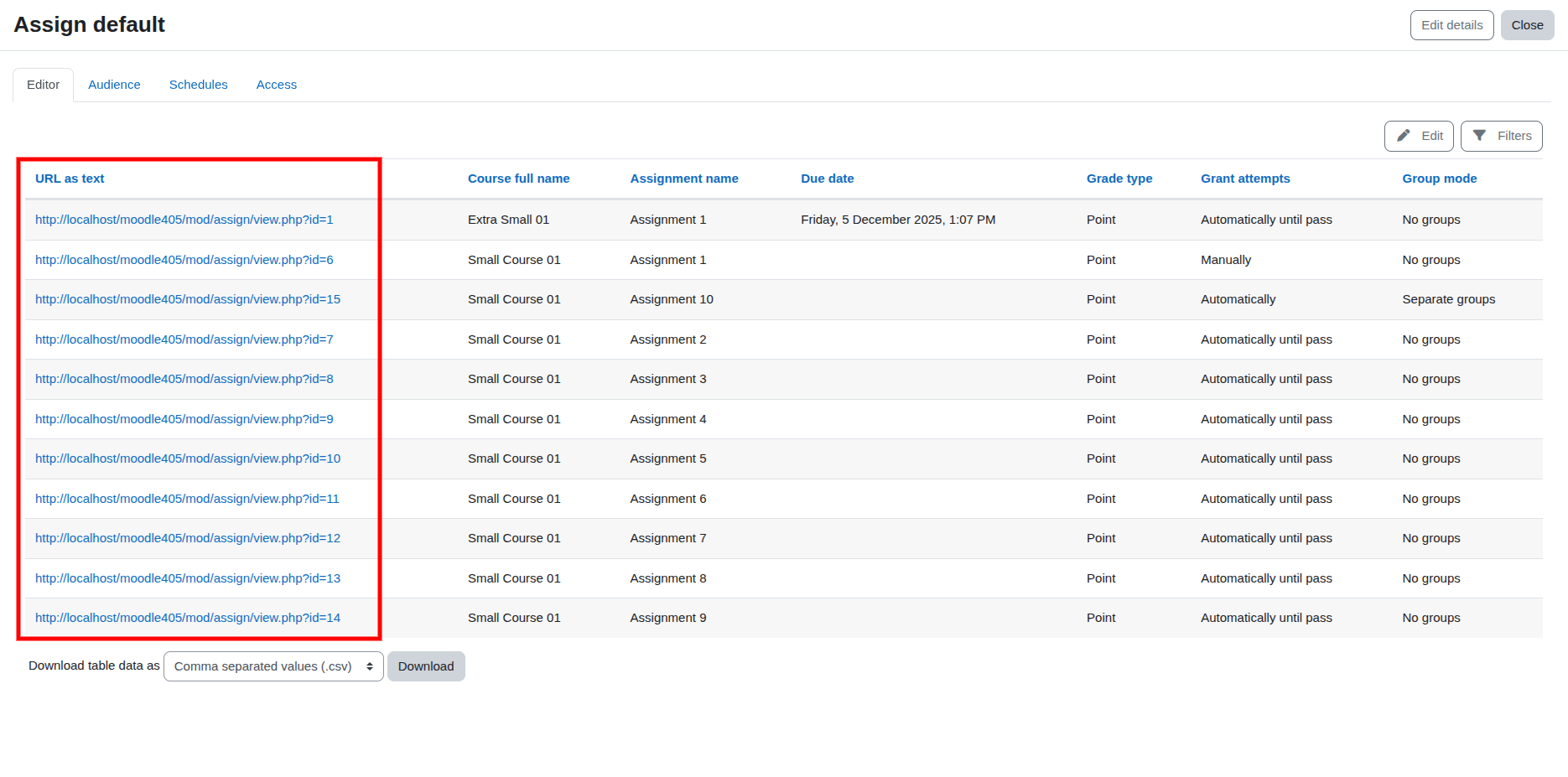
The URL of each activity is available in plain text, allowing it to be included in your CSV export (a feature not found in core Moodle).
Restrictions are displayed exactly as they appear on the course or activity page. This is also available for Course Sections, helping you identify mismatched restrictions, missing groups, or overly restrictive settings.
View the last modified date for each activity in a single report.
Similar to core feature the Activity Names can be displayed as clickable links since v1.3.0
Even basic information about the Course Section can be invaluable when looking for anomalies or inconsistencies.
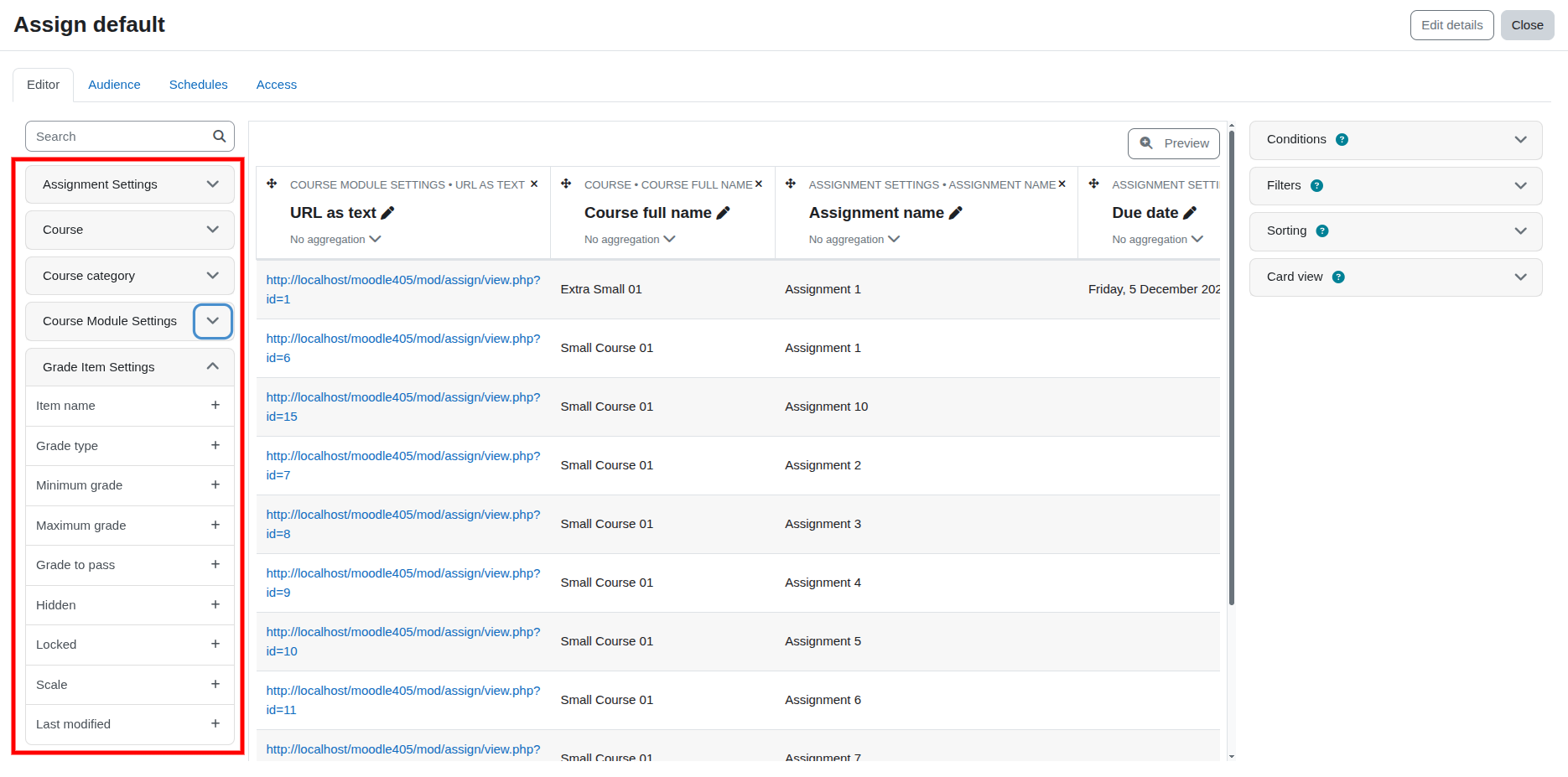
Core course and course category settings are included to provide comprehensive context.
Although the plugin only provides dedicated support for Assignment, Forum, Quiz, and SCORM activities, the Course Modules data source allows you to create reports for other activity types to a certain extent.
The standalone data source was fixed in v1.3.0
New gradebook-related columns and filters make it easier to understand how activities are organised within the gradebook. Quickly identify items under categories such as Summative or Formative, locate deeply nested grade items, and audit gradebook structures across courses.v1.3.0+